The MongoDB Databases module brings high-performance, document-oriented NoSQL storage directly to BoostonCP. Engineered for real-time applications, microservices, mobile backends, and high-velocity JSON datasets, administrators can provision isolated MongoDB databases and access the Mongo Express visual management console with a single click.
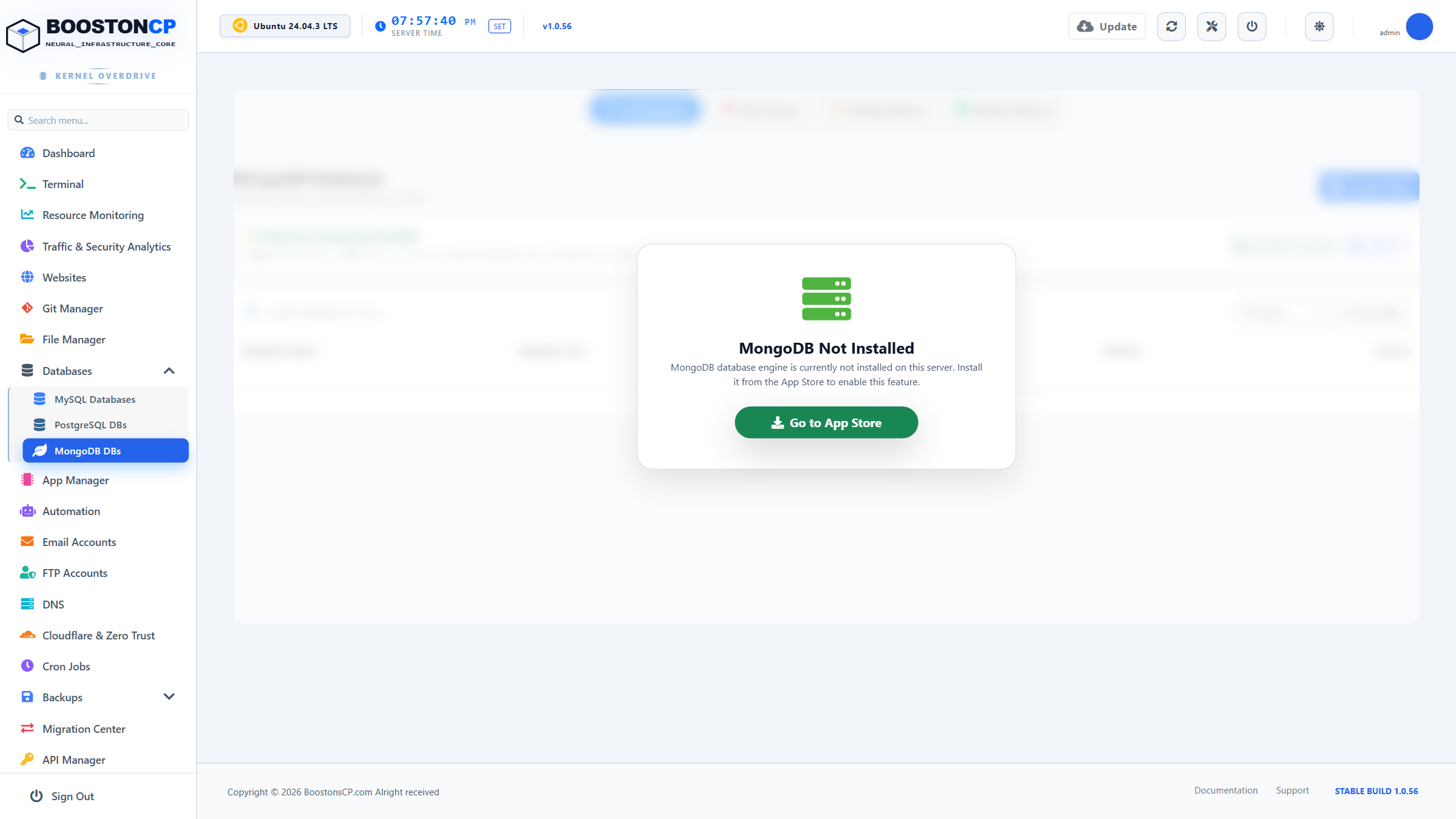
1. High-Performance NoSQL Architecture
Unlike traditional row-and-column SQL engines, MongoDB utilizes BSON (Binary JSON) document stores that provide dynamic schemas, nested arrays, and ultra-fast horizontal scaling:
- Engine Subsystem: Runs MongoDB 6.0/7.0 Enterprise/Community engine via
/usr/bin/mongodand/usr/bin/mongosh. - Storage Engine: Built on WiredTiger, offering high concurrency, snappy memory caching, and transparent document-level compression (Snappy / zlib).
- Listening Socket: Binds strictly to
127.0.0.1:27017to guarantee that unauthenticated external port sweeps cannot inspect document collections. - Integrated Authentication: Enforces
SCRAM-SHA-256cryptographic authentication globally. Anonymous database operations are strictly blocked at the kernel listener.
2. Deploying MongoDB Databases & User Access Roles
To provision a new NoSQL database:
- In the sidebar, expand Databases and select MongoDB DBs.
- Click the green Create Database button (
#btn-create-db). - Fill in the modal parameters:
| Input Field | Technical Description | Accepted Formats |
|---|---|---|
| Database Name | The target document namespace to initialize. | Alphanumeric (e.g., user_mobile_app). |
| Associated Domain | Virtual host that will connect to this database instance. | Select from active domain list. |
| Username | Database authentication identity. | Standard alphanumeric identifier. |
| Password | Strong user password. | Generated cryptographically by panel. |
| Role Assignment | Role-Based Access Control (RBAC) permission scope. | readWrite (Default), dbAdmin, read. |
- Click Create Database. The panel executes
use <dbname>anddb.createUser(...)inmongosh, initializing the database metadata immediately.
3. Application Connection URI Configuration
Applications built with Mongoose (Node.js), PyMongo (Python), or native drivers connect to MongoDB using the standard URI protocol:
MongoDB Connection Protocol Standard
Standard URI:
mongodb://username:[email protected]:27017/database_name?authSource=database_nameNode.js (Mongoose):
mongoose.connect('mongodb://user:[email protected]:27017/dbname?authSource=dbname')Python (PyMongo):
client = MongoClient('mongodb://user:[email protected]:27017/dbname?authSource=dbname')4. Mongo Express Web Administration Interface
BoostonCP integrates Mongo Express, an interactive web-based administrative console for inspecting and querying MongoDB databases:
- Launch Console: Click the Mongo Express link at the top right of the MongoDB workspace.
- Document Explorer: Browse collections, insert new JSON documents, edit BSON fields inline, and delete documents with visual confirmation.
- Index Management: Create single-field, compound, text, and geospatial indexes to optimize read throughput.
- JSON GridFS Viewer: Inspect and download binary assets stored directly inside MongoDB GridFS storage buckets.
5. Security Policies & Backup Recommendations
- Role Isolation: Tenant users are strictly confined to their own database via
authSource=<dbname>. Attempts to switch to theadminorconfigsystem databases are rejected. - Automated Daily Dumps: MongoDB databases are automatically included in BoostonCP's full and incremental backup schedules via
mongodump --gzip. - Resource Governor Integration: In-memory WiredTiger cache size is bounded automatically in
/etc/mongod.conf(wiredTiger.engineConfig.cacheSizeGB) to guarantee the database never causes server Out-Of-Memory (OOM) incidents.




