WHMCS Automation Bridge
The ultimate cPanel alternative server module for WHMCS. Fully automate your reseller hosting business with elite precision.

Official Module
Download the verified server provisioning module ZIP package directly from our production repository.
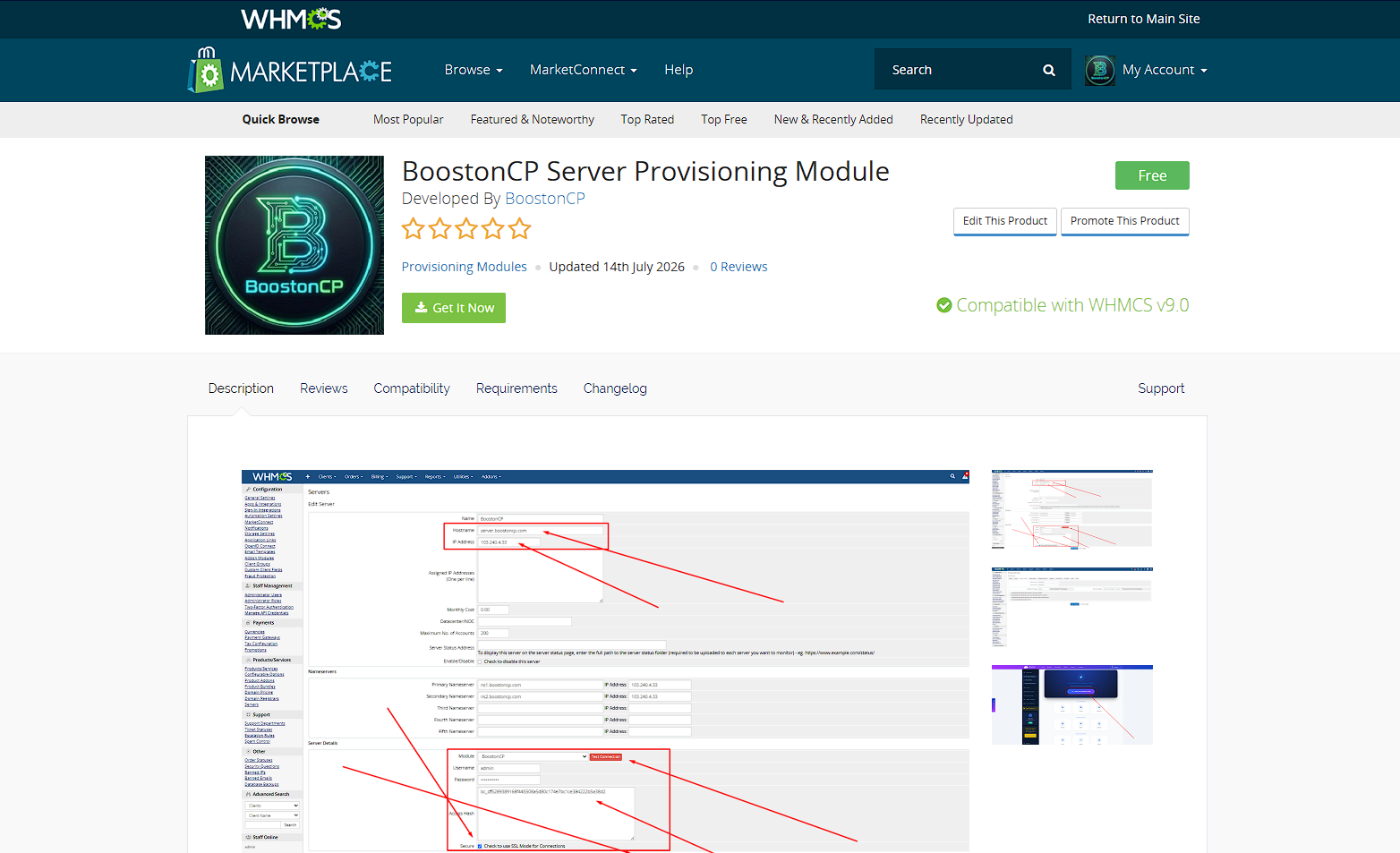
Marketplace
Get the officially certified BoostonCP integration from the WHMCS Product Marketplace.
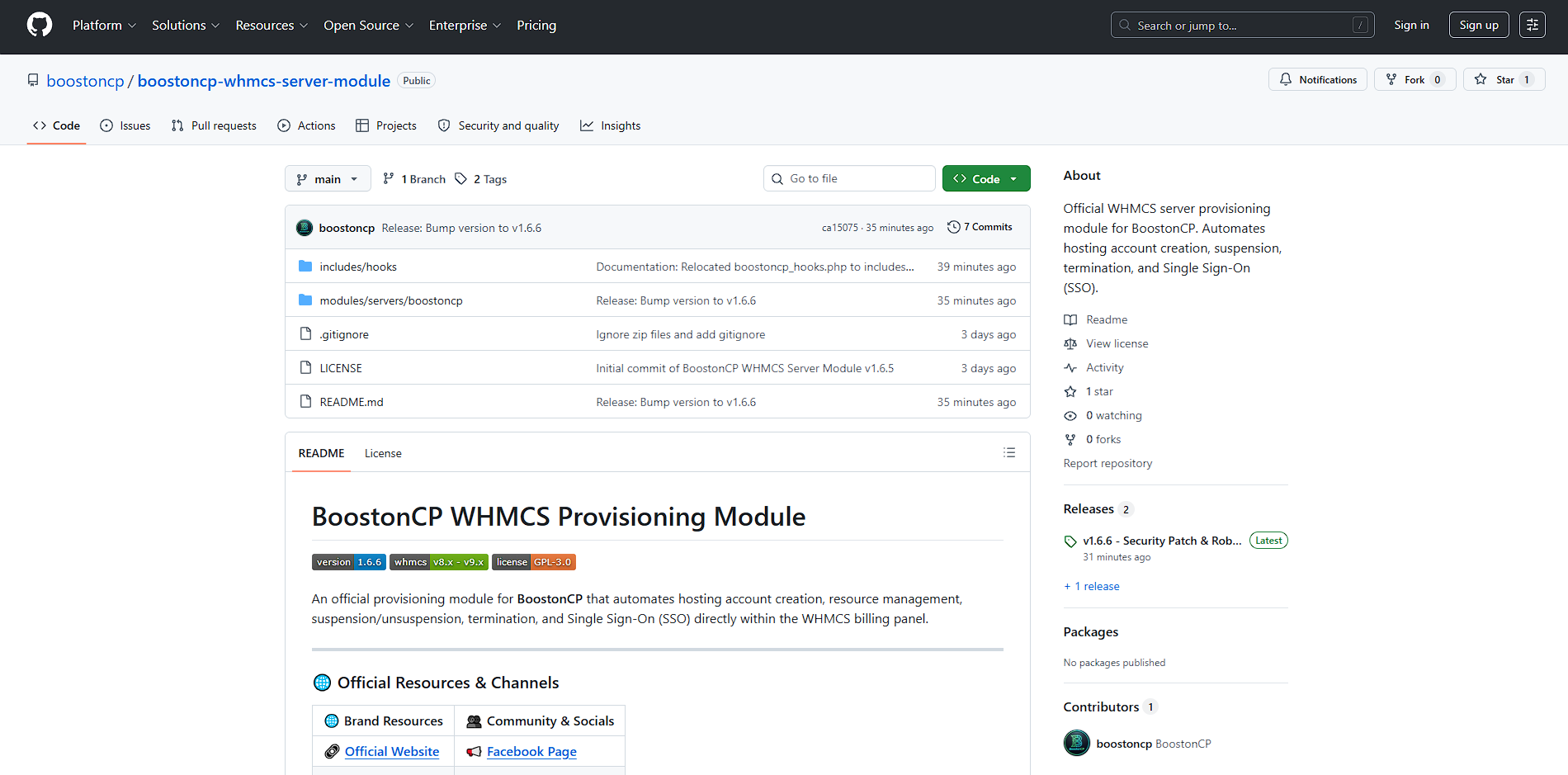
GitHub Repository
Browse the open-source code base, track development releases, or submit bug reports.
Hands-Free WHMCS Provisioning Architecture
How incoming client orders seamlessly orchestrate kernel-level Linux namespaces, virtual host generation, and isolated resource slicing in real time.
1. Client Order
WHMCS checkout processes payment and triggers instant provisioning hook.
2. Port 2087 REST API
Encrypted TLS call authenticates via Master API Key directly with Booston Core.
3. Machine Binary
Hardened Go core daemon builds virtual host and PHP-FPM pool in <3s.
4. cgroups v2 Slicing
Dedicated CPU, RAM, and IOPS limits are locked into user-UID kernel slice.
5. 1-Click SSO (2083)
Client enters isolated user panel via single-use 300s token without password.
The 4 Pillars of BoostonCP Hosting Automation
Engineered specifically for web hosting providers, agencies, and datacenters to eliminate software license inflation while delivering unmatched multi-tenant performance.
Native cgroups v2 ($0 CloudLinux Killer)
Traditional hosting providers are forced to pay $15 to $25 per server every month for CloudLinux just to enforce per-user CPU and RAM limits. BoostonCP builds Linux kernel cgroups v2 directly into its binary foundation. When provisioning through WHMCS, you can map exact CPU core allocations (e.g., 100% or 200%), hard memory ceilings (e.g., 1024MB or 2048MB), IOPS caps, and Max Concurrent Processes (NPROC / EP). One runaway tenant can never starve neighboring clients or take down your server node.
Multi-Webserver Provisioning (OLS, Nginx, Apache)
Unlike legacy panels locked to a single global web server, BoostonCP allows hosting sellers to configure distinct webserver engines per WHMCS product. Sell high-performance WordPress Turbo Hosting powered by OpenLiteSpeed with native LSCache support, high-concurrency Developer Hosting powered by Nginx FastCGI microcaching, or legacy application hosting on Apache—all hosted on the same server node. End-users can even hot-swap their domain webserver engine from their user portal in 1 second with zero downtime.
Modern Multi-App Engine (Node.js, Next.js, Python, PM2)
The modern web development market has largely moved beyond standard PHP scripts to Next.js, Node.js, Python, and Ruby applications. Traditional cPanel setups make running modern applications painful and unreliable. BoostonCP integrates a native App Engine orchestrated by PM2 process managers. Web hosts can sell dedicated Node.js/Next.js hosting tiers directly through WHMCS, with automatic local port assignment and seamless Host Nginx reverse proxy routing.
Port 2087 / 2083 Segregation & 1-Click Secure SSO
Enterprise security requires strict segregation between billing automation and client access. WHMCS communicates exclusively over Port 2087 using cryptographic Master API keys to handle provisioning, quota upgrades, suspensions, and terminations. Meanwhile, end-users access their isolated dashboard on Port 2083. When clients click "Log in to Control Panel" in their WHMCS portal, the module generates a secure, time-limited bridge token, enabling instant Single Sign-On without ever transmitting cleartext passwords.
Step-by-Step Module Setup Guide
Get your automated hosting provisioning pipeline operational in under 5 minutes with our production-ready WHMCS module.
Deploy Module Package
Extract the boostoncp-whmcs-server-module.zip archive into your WHMCS installation directory under /modules/servers/boostoncp/ and set ownership:
cd /var/www/whmcs/modules/servers/
unzip boostoncp.zip -d boostoncp/
chown -R www-data:www-data boostoncp/
Connect Server Node
In WHMCS Admin, navigate to Setup → Products/Services → Servers → Add New Server. Select BoostonCP as Module, specify Port 2087, enable Secure HTTPS, and paste your Master API Key.
Map Products & Automation
Under Products/Services → Module Settings, choose BoostonCP. The module will dynamically fetch all defined hosting packages from your server node. Select "Automatically setup the product as soon as the first payment is received" for 100% hands-free provisioning.
Automated Lifecycle Actions Matrix
Every hosting event triggered inside WHMCS is executed with sub-second precision by BoostonCP's compiled binary engine.
| WHMCS Trigger Action | API Endpoint & Method | Execution Mechanism | Avg. Speed | Target Isolation |
|---|---|---|---|---|
| Order Payment Confirmation | action=create |
Compiles user namespace, generates vhost, sets up PHP pool & MySQL credentials | < 2.8s | user-UID.slice |
| Invoice Overdue Notice | action=suspend |
Suspends web traffic, locks system identity, displays custom billing reminder | < 0.6s | Web & Daemon Freeze |
| Invoice Payment Settlement | action=unsuspend |
Restores vhosts, restarts worker processes, re-enables cron execution | < 0.7s | Instant Reactivation |
| Service Cancellation | action=terminate |
Gracefully unlinks vhosts, flushes isolated directories, drops database schemas | < 1.4s | Zero Residual Inodes |
| Package Upgrade / Downgrade | action=resync |
Dynamically modifies cgroup CPU/RAM limits and disk quotas without server restart | < 0.9s | Zero Downtime |
| Client Portal SSO Button | action=user_login |
Generates 300s single-use cryptographic bridge token for 1-click User Panel entry | < 0.2s | Port 2083 Token Auth |
WHMCS Control Panel Battlecard
Compare unit economics, kernel isolation capabilities, and server footprints across major WHMCS-compatible hosting panels.
| Feature / Metric | BoostonCP + WHMCS | cPanel / WHM | DirectAdmin | CyberPanel |
|---|---|---|---|---|
| Per-Account License Fee | $0 Lifetime (Unlimited) | $0.40 – $1.50 / account / mo | Tiered Account Limits | $0 (Basic Free Tier) |
| cgroups v2 Kernel Isolation | Built-in Native ($0) | Requires CloudLinux ($15+/mo) | Requires Custom OS Tweaks | Not Supported |
| Multi-Webserver Provisioning | Nginx, OLS, Apache (1s Swap) | Global Fixed Webserver | CustomBuild (Global) | OpenLiteSpeed Only |
| Modern App Engine (PM2) | Next.js, Node.js, Python Native | Requires CloudLinux Node Extension | Manual Setup Required | Basic WSGI / Limited |
| Idle RAM Footprint | ~280MB RAM Idle | 1,200MB – 2,000MB RAM | ~800MB RAM | ~950MB RAM |
| 1-Click Client SSO to Panel | Cryptographic 300s Bridge Token | Session Login (Port 2083) | Supported | Frequent Auth Failures |
| Sentinel Malware Scanner | Built-in Zero-Cost Engine | Requires Imunify360 ($12+/mo) | ClamAV (High RAM) | ClamAV (High RAM) |
Liberate Your Hosting Business Profit Margins
Stop bleeding gross profit margins to predatory per-account control panel licenses and third-party resource isolation software. Deploy the BoostonCP WHMCS server module today, host unlimited accounts on $5 VPS nodes, and deliver a modern, lightning-fast hosting experience to your clients.
WHMCS Module FAQ
Deep technical answers regarding server automation, resource limits, and provisioning reliability.
How does BoostonCP eliminate cPanel & CloudLinux costs?
BoostonCP provides an unlimited-account server license paired with native Linux kernel cgroups v2 resource isolation. Hosting providers can allocate dedicated CPU cores, RAM limits, IOPS, and Entry Processes directly via WHMCS packages without purchasing third-party CloudLinux OS licenses ($15-$25/mo) or per-account cPanel tiers ($0.40-$1.50/user).
How does 1-click Single Sign-On (SSO) work securely?
When a client clicks "Log in to Control Panel" inside their WHMCS Client Area, the module issues an authenticated, encrypted API request over Port 2087 to generate a single-use, 300-second expiring bridge token. The client is immediately redirected to their isolated Port 2083 user panel without having to type or expose their account password.
Can I sell multi-webserver packages like OpenLiteSpeed and Nginx?
Yes. BoostonCP's provisioning engine allows web hosts to configure specific webserver backends (Nginx FastCGI, OpenLiteSpeed with LSCache, or Apache) per package. When an order is placed in WHMCS, BoostonCP automatically builds the corresponding virtual host and binds the designated PHP-FPM pool in under 3 seconds.
Can I automate suspensions, terminations, and package upgrades?
Yes. The BoostonCP WHMCS module fully supports the complete hosting lifecycle: instant account setup upon payment, automated suspension on overdue invoices, unsuspension on invoice settlement, graceful termination on cancellation, and real-time package quota synchronization without server downtime.




